Offline · Private · Open source
Share contacts in seconds
Beautiful, customizable QR codes for your business cards and device contacts. One tap. No accounts. No tracking.
Get the app — free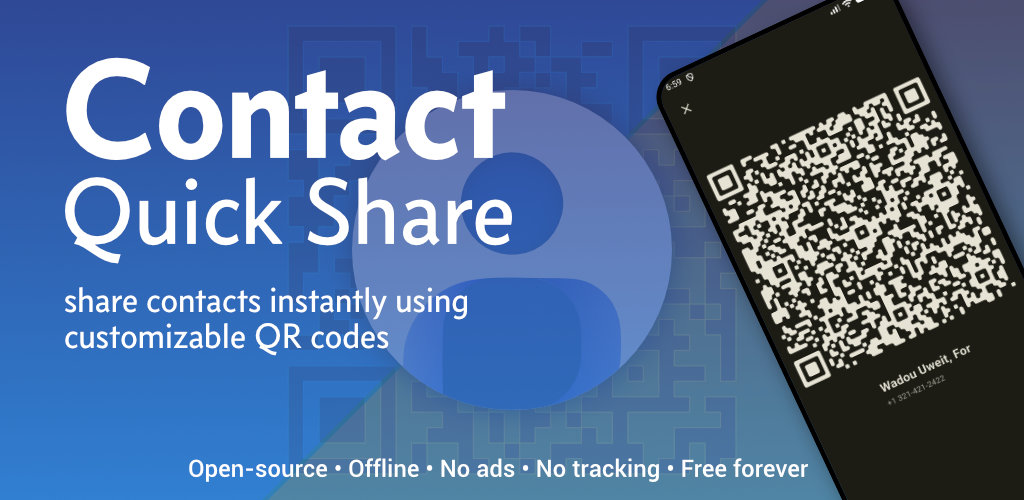
Built for speed and simplicity
Everything you need to hand off your details without friction — at events, on the street, or at your desk.
- One- or two-tap sharing Open the app, tap a card or contact, show your QR. Aim for under three seconds.
- Business cards & device contacts Create custom cards or pull from contacts, with optional sync when linked.
- Beautiful QR codes Colors, logos, gradients, and eye shapes — match your brand or mood.
- Rich vCard 3.0 data Name, phones, emails, organization, addresses, websites, social links, notes — the widely supported standard.
- QR screen shortcuts Tap anywhere on the full-screen QR to open share and edit options. Swipe right-to-left to jump straight into editing fields.
- 100% offline core experience No internet required to generate and show QR codes. No cloud accounts.
- Local storage Business cards stay on your device in a local SQLite database.
- Comfortable themes Light, dark, or follow your system — including on this page.
Download
Get Contact Quick Share on your phone — or grab the APK from GitHub Releases.

On the App Store, search for Contact Quick Share until the direct link is listed after release.
Privacy policy
Introduction
Our privacy approach is simple: we do not collect, store, or track your personal data on our servers. Your information stays under your control on your device.
Data collection
We do not operate analytics, advertising IDs, or cloud sync for your contacts or business cards. There is no account system and no central database of your content.
Data usage
Because we do not collect personal data in the app for our own purposes, there is nothing for us to sell or share with third parties for marketing.
Local storage
Business cards and app settings are stored locally on your device (SQLite and system preferences). This data never leaves your device except when you explicitly export or share it yourself (for example, as an image, file, or QR).
Permissions
Contacts (read-only): Lets you pick fields from people already on your phone to build a QR. The app does not upload your address book.
Images you choose: When you add a logo or picture, your operating system handles picking an existing image (for example via a photo picker or library access). This release does not use the camera, and nothing is sent to us.
Third-party services
The app does not embed third-party analytics or advertising SDKs. This website may be hosted by GitHub Pages; see GitHub’s privacy statement for how the platform handles visits to pages like this one.
If you contact us by email (e.g. via a link in the repository), we use that correspondence only to respond. We don’t use it for profiling or marketing. Your email provider’s policies also apply.
Changes
We may update this policy when the app or site changes. Material updates will be reflected here and, where appropriate, noted in app release notes.
Contact
Questions or requests: open an issue on GitHub.